MDCLEAR - Clear all MDCMS Activity
Command MDCLEAR can be used to clear all activity (object requests, installation history, project information, etc…) for an instance while leaving all settings intact. This can be useful in testing a version of MDCMS and then clearing the test results before using the version in Production.
In order to run this command, the user must have MDSEC authority to application md/code 3.
After entering the command, the following confirmation screen is displayed:
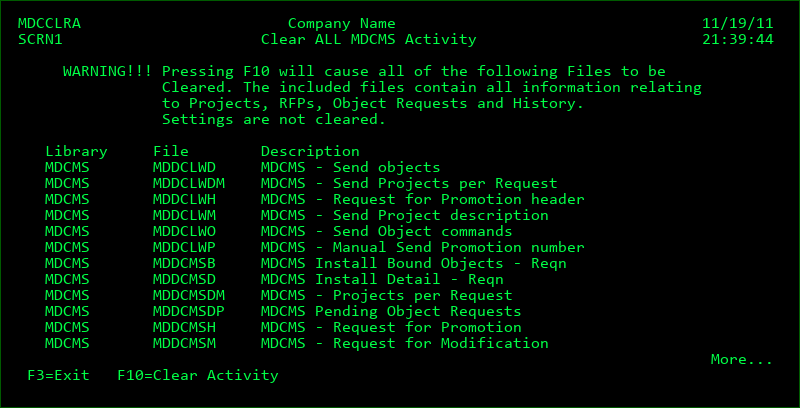
Function Keys:
F3=Exit - Leave screen without clearing the activity
F10=Clear Activity - Clear the contents of all listed files