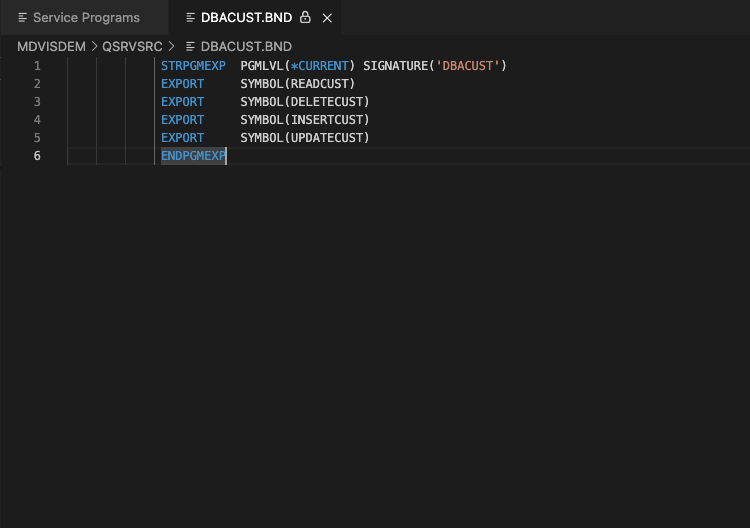
Service Programs
Tip
Service Programs is one of the view type which can be invoked from the Service Programs option under Programming head from the left navigation menu.
It gives the the list of all the service programs with their object information.
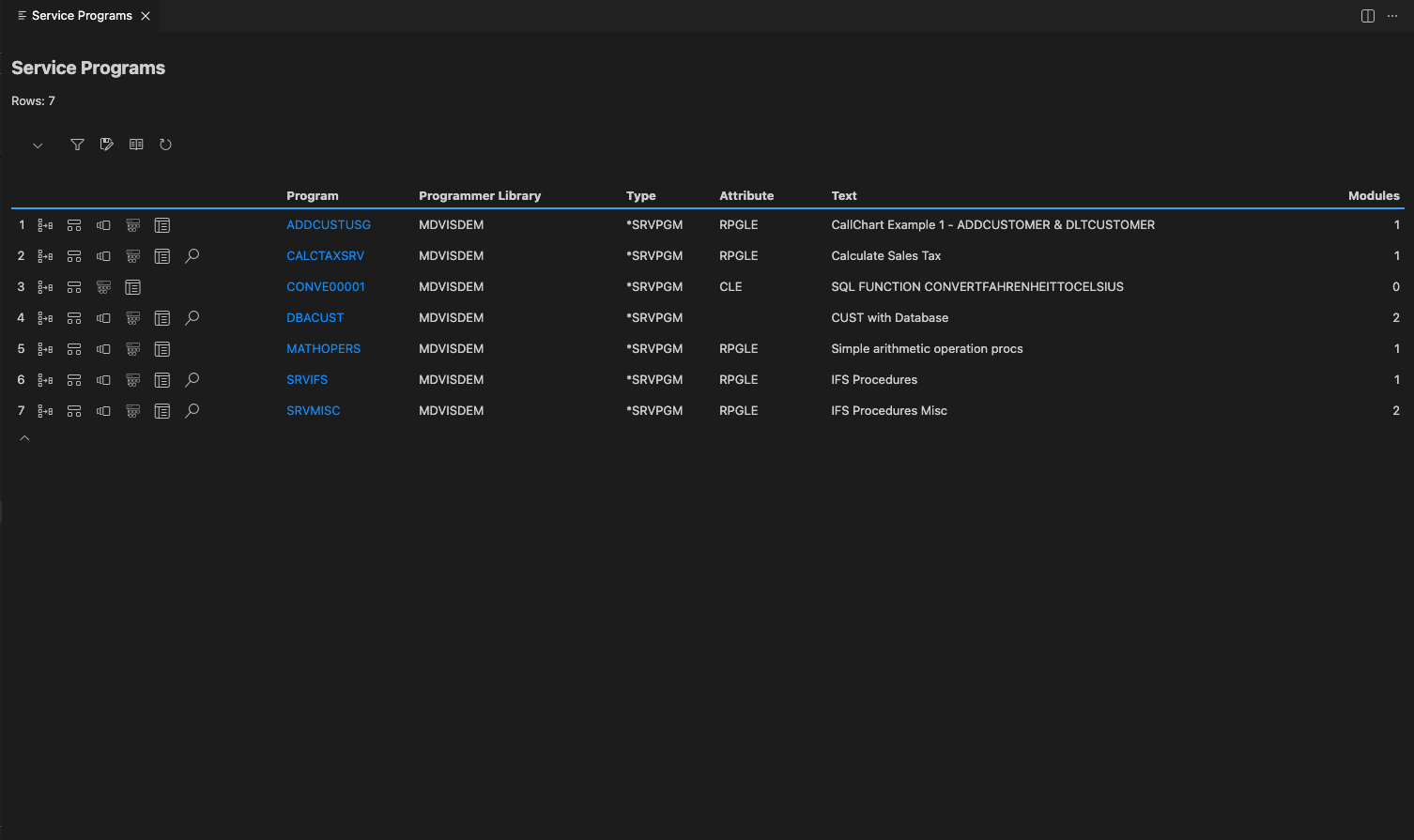
It has different options  , clicking on which gives further details about that particular program.
Where Used
Clicking on  icon, a screen appears with the list of objects where this service program is being used.
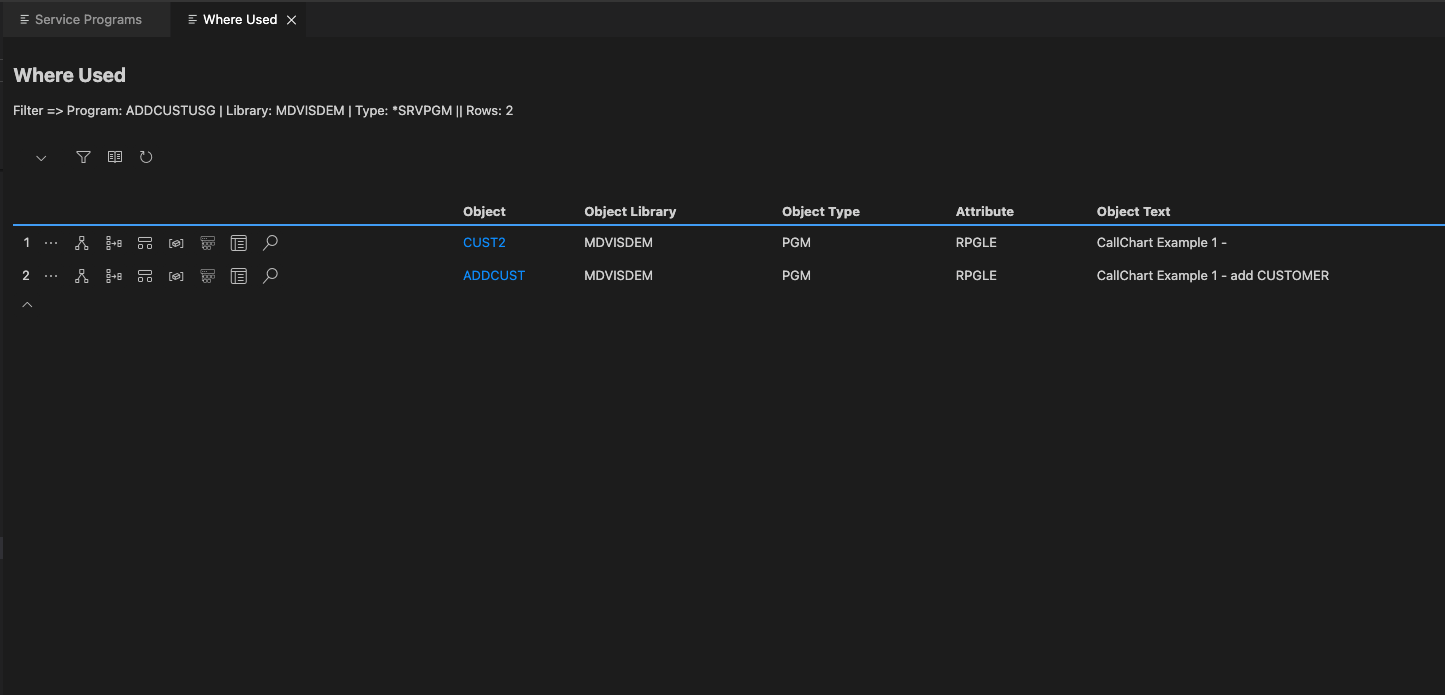
The detailed information about the whereused option can be seen here Where Used
Data Usage
Clicking on  icon, a screen appears having details of data used in the selected program.
The eloborated information about the data usage screen is explained in Data Usage
Modules
Clicking on  icon, a screen appears having details of modules used in the selected object.
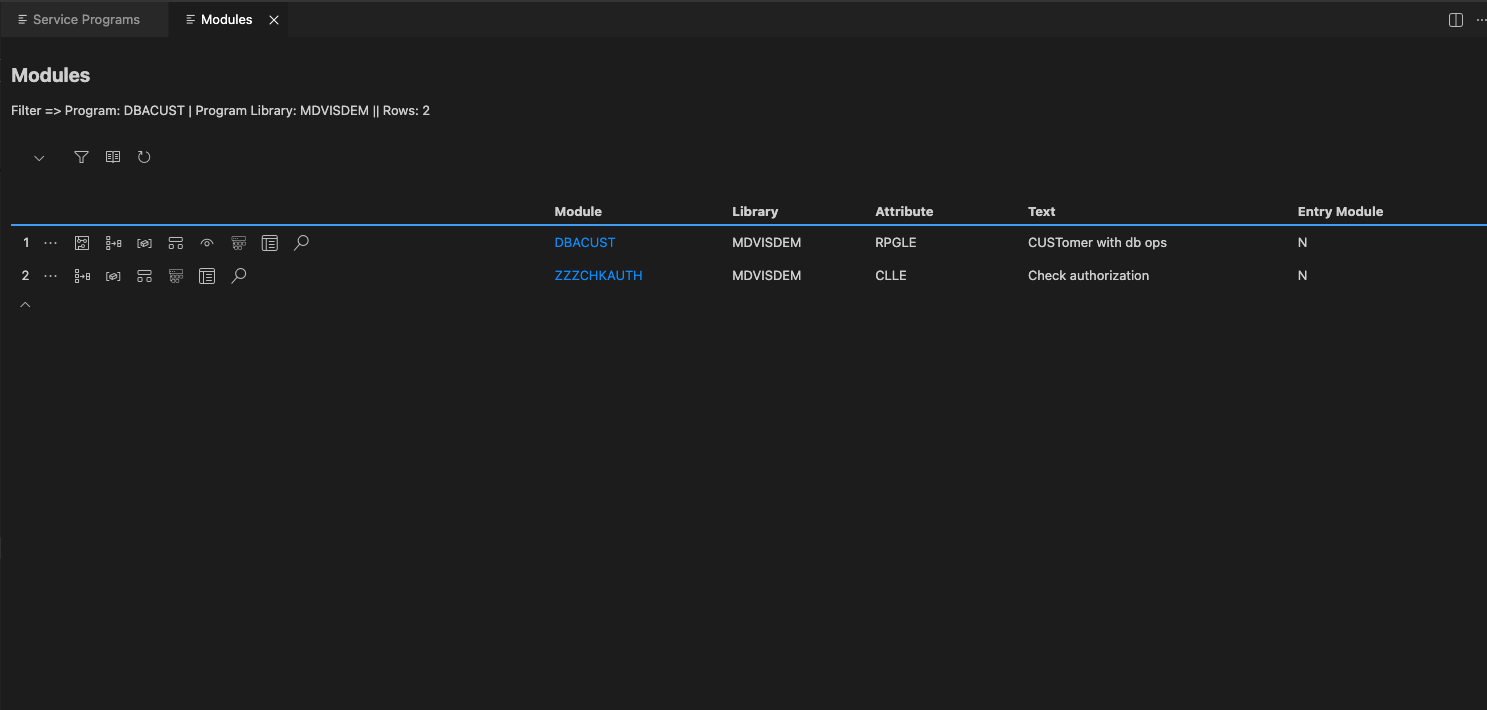
The eloborated information about the modules screen is explained in Modules
Dashboard diagram
Clicking on  icon, a screen appears with a stand-alone diagram that visualizes the content of the Object Dashboard, adding context about the flow of control between the root object and all other objects and procedures.
The detailed information about Object Dashboard Diagram can be viewed here Dashboard Diagram
Dashboard List
Clicking on  icon, a screen renders a stand-alone list view of detailed attributes of a selected object called root object. These details are broken down into different attribute/categories, which vary depending on the object type selected.
The detailed information about Object Dashboard can be viewed here Object Dashboard
Source
Clicking on  icon, a screen with source code of the relevent object appears.