Roles for User
Option R from the MDSEC User Listing: all roles that the user belongs to.
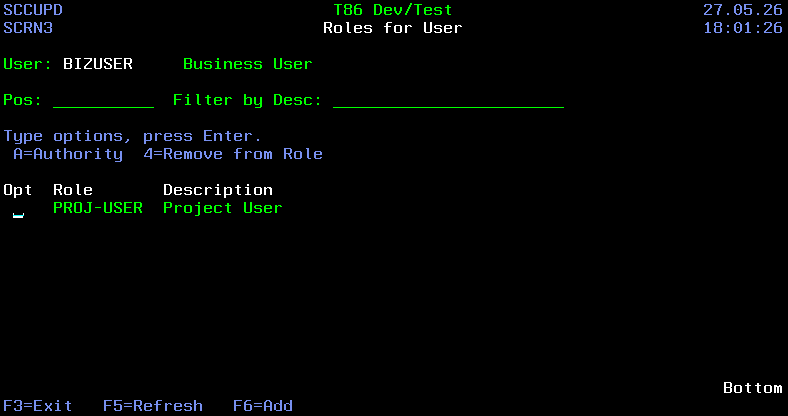
Positioning and Filtering List
| Field | Description |
|---|---|
| Pos | the cursor will be positioned to the closest match in the list |
| Desc | only roles with descriptions containing the value |
Fields
| Field | Description |
|---|---|
| Role | A 10-Character value identifying a MDSEC Role |
| Description | Description of the role |
Options
| Option | Description |
|---|---|
| A=Authority | View the application levels and codes that the role is authorized to |
| 4=Remove from Role | Remove the user from the role |
Function Keys
- F3=Exit – Return to previous panel
- F5=Refresh – Refresh the panel
- F6=Add – Add 1 or more Roles for the User